

Millisecond timestamps
Time displays in M:SS.mmm format directly in the player — no overlays, no clutter. Toggle on or off anytime.
One-click copy
A copy button next to the timestamp grabs the exact moment instantly — great for notes, subtitles, or editing.
Jump to timestamp
Press G (or click the target button), type a time in SS.mmm / M:SS.mmm / H:MM:SS.mmm, and the video jumps there with millisecond precision.
Interval timer A→B
Mark two points with [ and ], see the exact delta down to the millisecond, and copy it with one click.
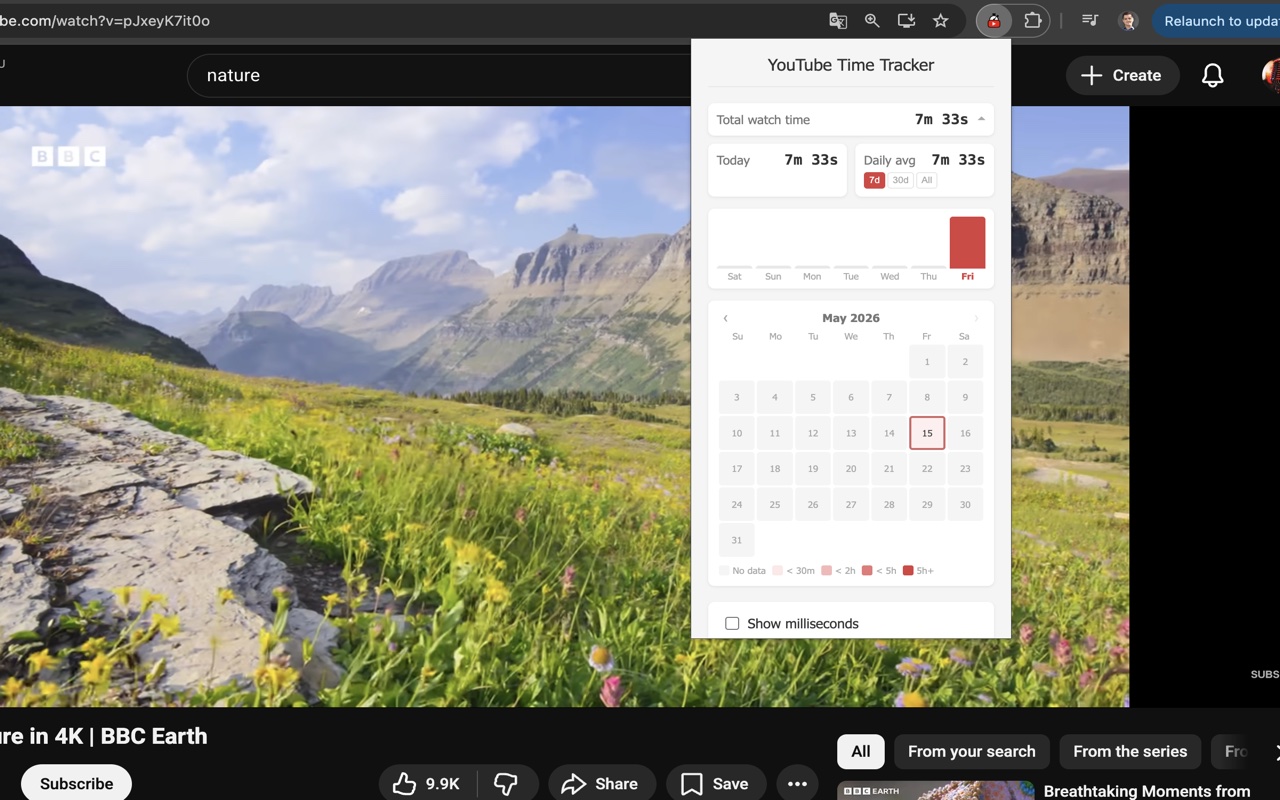
Watch-time stats
Total time, today, daily average, a 7-day bar chart, and a monthly calendar heatmap — all stored locally on your device.
Customize your toolbar
Show or hide each player-bar button — copy, milliseconds toggle, jump, interval A/B — so you keep only the controls you use.