
Save in one click
Select a word or phrase and click the small + button, press Alt+S, or use the right-click menu item "Add to Lexbox".
Translation on your device
In Chrome 138 or later, Lexbox translates English into Russian with Chrome's built-in translator. You can edit the result or type your own.
Context sentences
Lexbox keeps the sentence the word came from, together with the page title and a link back to the page.
Highlights in every form
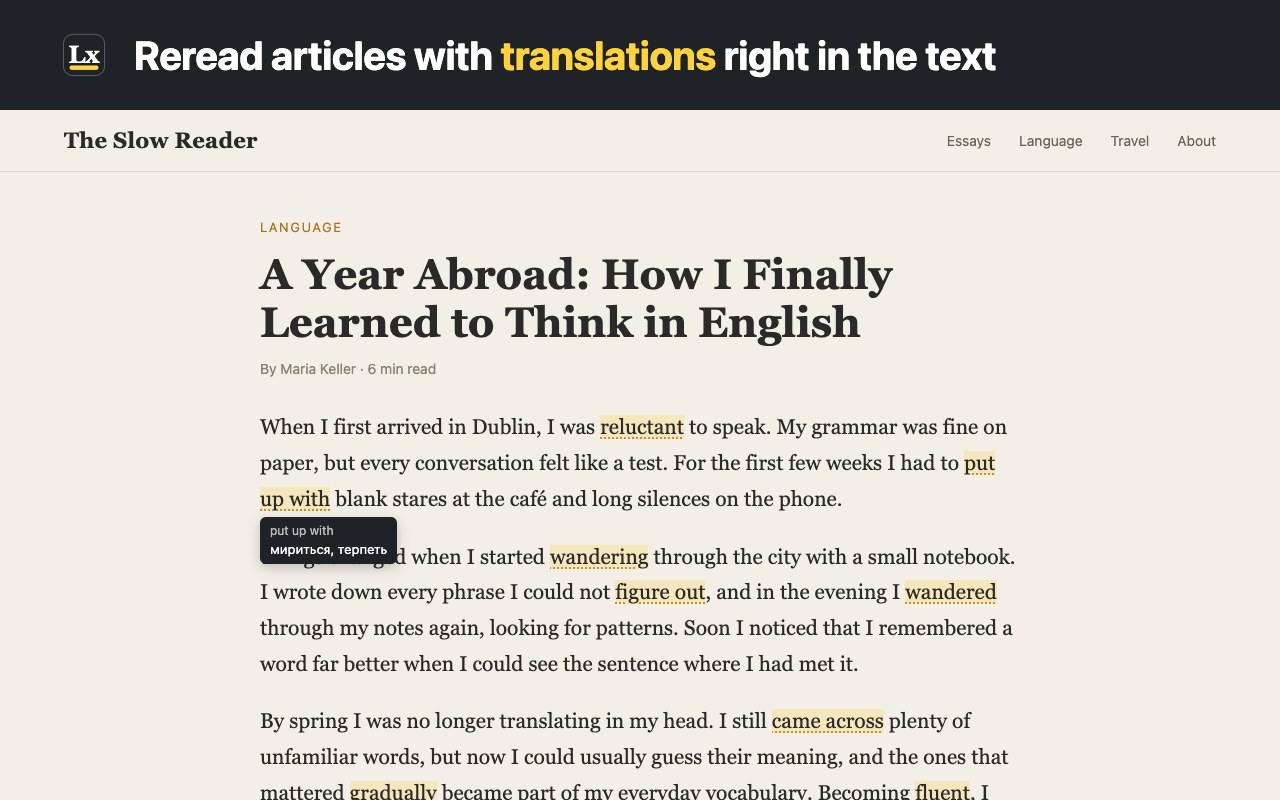
Save "run" and Lexbox also marks "running" and "ran"; save "put up with" and it marks "putting up with". Hover a highlight to see the translation.
Your dictionary
Search, edit and delete words, and read every saved sentence. Back up and restore as a JSON file, or export CSV for Anki or a spreadsheet.
Completely private
No account, no analytics, no network requests. Your words stay in your browser on this device.
The interface is in English and Russian. Current limits: translation is English to Russian only; Lexbox works in the main page, not in embedded frames, PDFs or browser pages; the dictionary is not synced between devices, so use the JSON backup to move it.